



Side indicator/side light bulbs
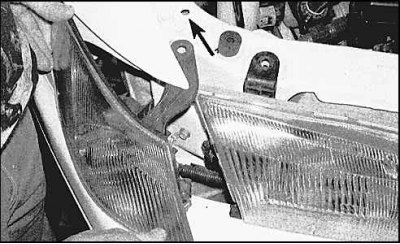
1. Unscrew the screw (or remove the latch) upper mount (arrow), move the flashlight housing outward, turning it on the axis, turn the lamp holder counterclockwise and remove the lamp from the housing.
2. The lamp is installed in the reverse order.
Rear turn signal/tail light/brake light bulbs
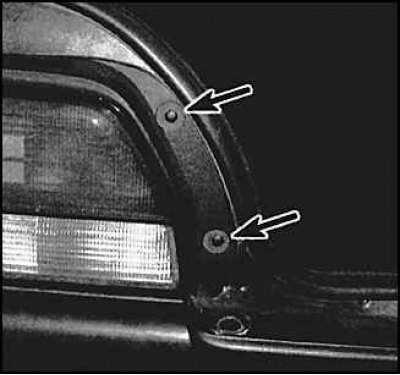
1. On Avalon models, remove 2 screws, move the housing sideways and remove the optical element.
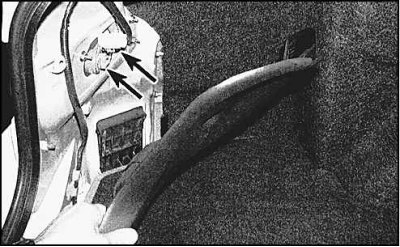 | 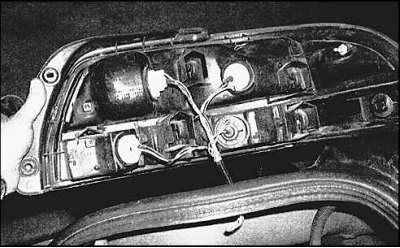 |
2. On Camry and Solara models, to access the 3 lamps located inside the body, fold down the trunk mat (in the picture on the right - the location of the lamps on Avalon models).
3. Turn the holder counterclockwise and remove.
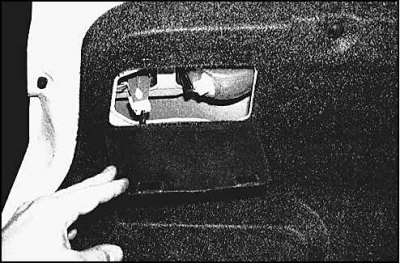
4. To access the lamps located inside the trunk lid, you need to open the covers with Velcro fasteners.
5. Installation is carried out in reverse order.
License plate lights
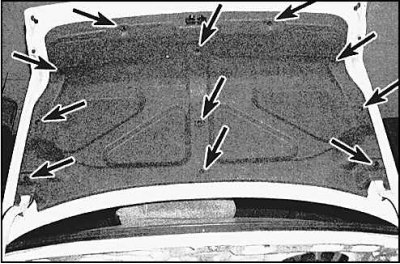
1. Remove the trunk lid trim (the arrows show the fastening latches).
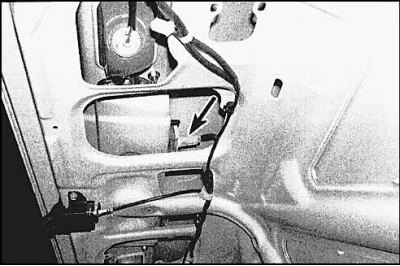
2. Remove the bulb sockets (arrow) and replace the bulbs.
3. The lamp is installed in the reverse order.
High Brake Lights
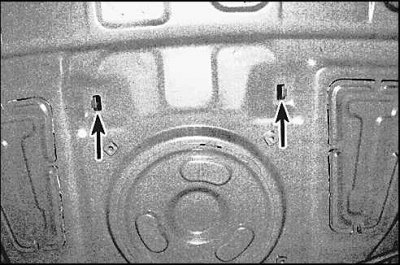
1. The lamp shade is attached to the storage tray with latches from below, on the trunk side. Some Solara models have spoilers with brake lights on the trunk lid.
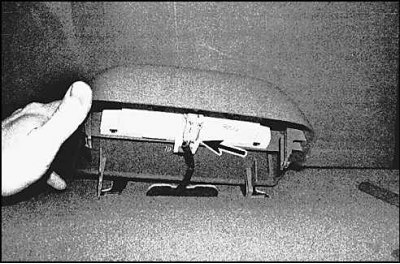
2. To replace the lamps, you need to unscrew the 2 screws securing the optical element and remove the panel with the lamps.
3. Turn the lamp holder counterclockwise and remove. Pull the lamp out of the holder.
4. Installation is carried out in reverse order.
Instrument cluster lights
1. Remove the instrument panel. The bulbs are accessible from the back of the panel.
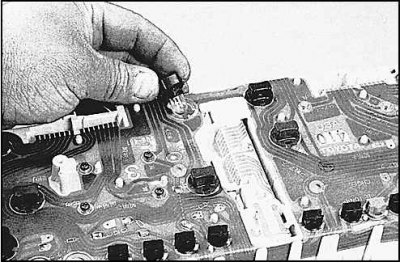
2. To remove, turn the lamp counterclockwise.
3. Installation is carried out in reverse order.
Indoor lighting lamps
Remove the interior light and pry the bulb out from the edge (the lamps are inserted into spring holders).